
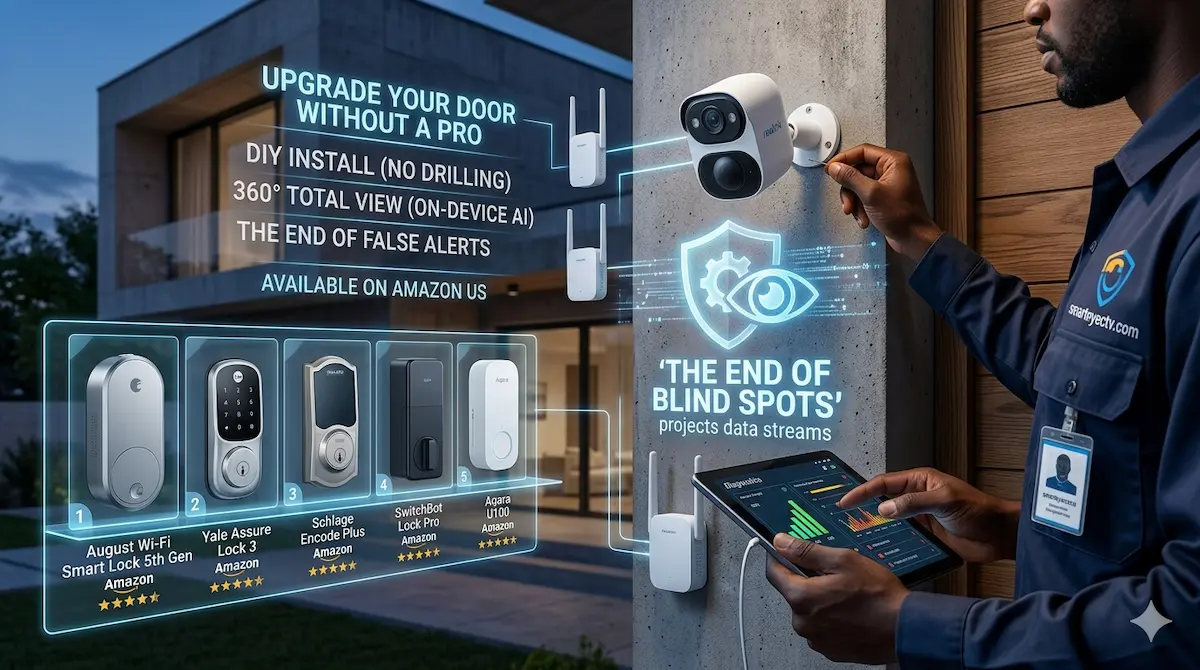
You just bought the latest 4K solar camera, mounted it on your garage, and… nothing. The app says “Offline,” or the video stutters so much it’s useless.
As professional systems integrators at AIS.gy, we see this every day. The problem isn’t usually the camera; it’s your Wi-Fi. In 2026, streaming high-definition security footage requires a “rock-solid” signal that standard home routers simply can’t provide through exterior walls.
Here is the 3-step DIY guide to boosting your signal and ensuring your cameras stay online 24/7.
Step 1: The “Physical Barrier” Audit
Wi-Fi signals hate three things: Metal, Water, and Concrete.
- The Mirror/Fish Tank Trap: If your router is sitting next to a large mirror or a fish tank, you are losing up to 50% of your signal strength before it even leaves the room.
- Exterior Walls: Brick and concrete walls act like a shield. If your camera is outside and your router is in the middle of the house, the signal is struggling to “punch through.”
- The Fix: Move your router to a high shelf near a window that faces your outdoor cameras.
Step 2: Upgrade to a Mesh Wi-Fi System (The 2026 Standard)
If you have a large home, a single router isn’t enough. In 2026, Mesh Wi-Fi is the best solution for DIY security. Unlike “extenders” that create a second, slower network, a Mesh system creates one giant “blanket” of internet.
- Our Recommendation: [TP-Link Deco AX3000 Mesh System]
- The Strategy: Place one Mesh “node” inside the house, as close as possible to the wall where the outdoor camera is mounted. This “shortens the jump” the signal has to make through the wall.
Step 3: Use an Outdoor Access Point (For Large Yards)
If your camera is more than 50 feet away (like at a gate or a detached garage), an indoor router won’t cut it. You need an Outdoor Access Point.
- The Pro Choice: [TP-Link Omada EAP610 Outdoor]
- Why it works: This device is weatherproof and mounts on your exterior wall. It brings the Wi-Fi outside the house so the camera has a direct, line-of-sight connection.
Quick Troubleshooting Checklist
| Symptom | Probable Cause | DIY Solution |
| Laggy Video | Low Upload Speed | Change router channel to 2.4GHz (better range). |
| “Offline” Status | Signal blocked by wall | Move router closer to the exterior window. |
| Battery Draining Fast | Weak Wi-Fi Signal | Camera is “struggling” to connect, wasting power. |
🛠 The Expert’s Secret: The “Powerline” Hack
If you can’t run a long Ethernet cable and your Wi-Fi is terrible, use a [Powerline Ethernet Adapter]. This “magic” device sends your internet signal through your home’s existing electrical wiring. Just plug one near your router and the other near your camera’s location.
Professional Engineering vs. DIY
While these steps will fix 95% of home Wi-Fi issues, commercial properties and industrial warehouses in Guyana need more power. If you are dealing with multi-acre sites or need Long-Range Point-to-Point (PtP) wireless bridges that can travel miles, contact our engineering team at AIS.gy.