
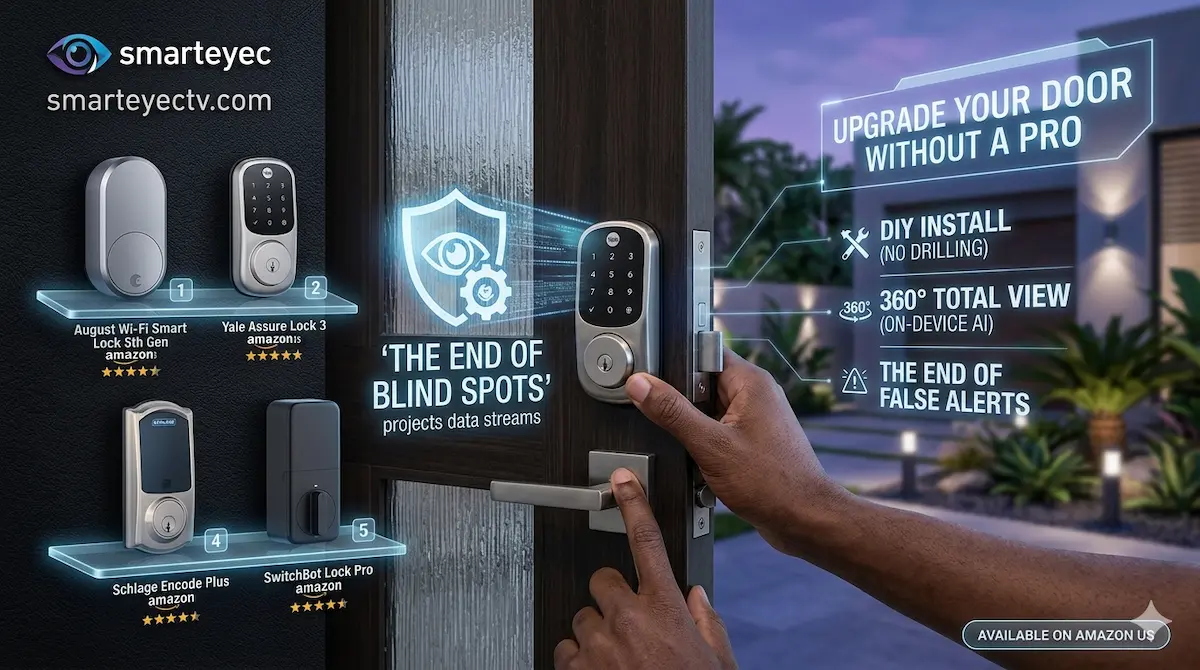
In 2026, fumbling for your house keys is officially a thing of the past. Smart locks have become more reliable, easier to install, and—most importantly—more affordable for the average homeowner.
Whether you want to give a temporary code to a guest, check if you locked the door from your office, or have the door auto-unlock as you walk up with groceries, there is a perfect DIY lock for you. Here are our top picks available on Amazon.
Quick Comparison: Top Smart Locks
| Model | Type | Best For | Connection | Check Price |
| August Wi-Fi (4th Gen) | Retrofit | Renters & Easy Install | Wi-Fi Built-in | [View on Amazon] |
| Ultraloq U-Bolt Pro | Deadbolt | Biometric Fans | Wi-Fi / Fingerprint | [View on Amazon] |
| Yale Assure Lock 2 | Deadbolt | Modern Aesthetics | Bluetooth/Wi-Fi | [View on Amazon] |
1. The Best “No-Hassle” Install: August Wi-Fi Smart Lock
The August lock is famous because you keep your existing deadbolt and keys. You only replace the interior thumbturn, making it the #1 choice for renters or people who don’t want to change their exterior hardware.
- ✅ Pros: Installation takes less than 10 minutes. It features “Auto-Unlock” which uses geofencing to open the door as you arrive.
- ❌ Cons: It’s a bit bulky on the inside of the door.
- [Check Price on Amazon]
2. The Tech Powerhouse: Ultraloq U-Bolt Pro Wi-Fi
If you want every possible way to enter your home, this is the one. It features a high-speed fingerprint scanner, a keypad, smartphone control, and a hidden mechanical key slot.
- ✅ Pros: The fingerprint 360° technology is incredibly fast (0.3 seconds). It’s rugged and IP65 rated for weather resistance.
- ✅ Zero Subscription: All user management and codes are handled for free via the app.
- [View Deal on Amazon]
3. The Design Favorite: Yale Assure Lock 2
Yale is a household name in security. The Assure Lock 2 is much smaller and sleeker than previous models, fitting perfectly with modern home decor.
- ✅ Pros: Key-free design (no more lock picking). If the battery dies, you can use a 9V battery on the bottom to give it a temporary charge.
- ❌ Cons: To control it while away from home, make sure you buy the version with the Wi-Fi Smart Module included.
- [Check Price on Amazon]
🛠 DIY Pro Tip: The “Door Alignment” Test
Before you hit “Buy Now,” do this simple test: Close your door and try to lock it. Do you have to push, pull, or lift the door to get the bolt to slide in?
- The Problem: If your door is misaligned, the motor in a smart lock will struggle, jam, and drain the battery in days.
- The Fix: Before installing, ensure your door closes effortlessly. You might need to adjust your [Strike Plate] or use a [Chisel] to deepen the hole in the frame. A smooth bolt is the secret to a happy smart lock.
Why Buy Smart Home Gear Through SmartEye?
At AIS.gy, we integrate high-end access control systems for corporate offices and gated communities. We apply that same engineering mindset to our DIY reviews. We only recommend consumer brands that provide a balance of security and ease of use.