
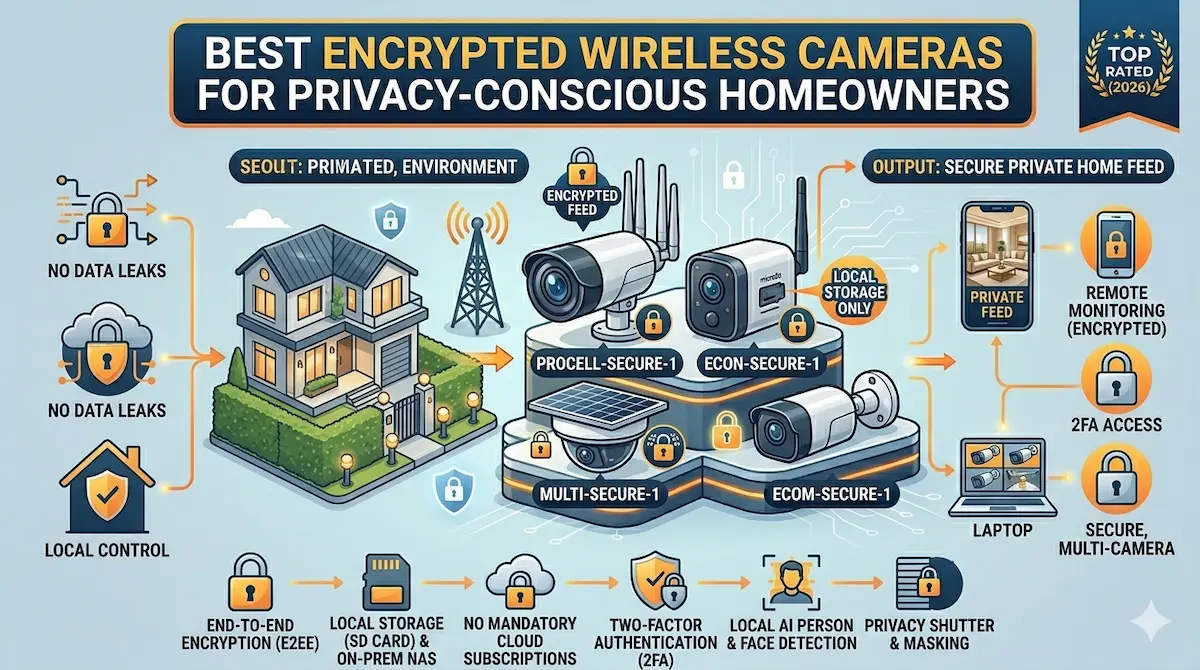
Quick Answer
For privacy-conscious homeowners, encrypted wireless cameras offer secure monitoring without compromising data safety. Look for models with end-to-end encryption, local storage options, and no reliance on third-party cloud services. Avoid cameras that lack robust encryption or require data to be stored externally.
Privacy is a top priority for many homeowners, especially when it comes to security systems. Encrypted wireless cameras provide a secure way to monitor your home without exposing sensitive data to potential breaches. This guide helps you identify the best encrypted wireless cameras for privacy-conscious homeowners, focusing on security features and practical usability.
Best For
- Privacy-conscious homeowners
- Users avoiding cloud-based storage
- Those needing secure remote access
Not Ideal For
- Homeowners requiring advanced AI features
- Budget-focused buyers
Key Takeaways
- Prioritize end-to-end encryption for data security
- Opt for local storage to minimize cloud reliance
- Avoid cameras with weak or no encryption protocols
- Check for certifications like AES-256 encryption
Why Encryption Matters for Home Security Cameras
For privacy-conscious homeowners, encrypted wireless cameras are a critical defense against data interception and unauthorized access. Unlike standard cameras, encrypted models use advanced protocols like AES-256 or end-to-end encryption to scramble video feeds, making them unreadable to hackers or third parties. This is especially important for cameras that transmit data over public Wi-Fi networks or cloud services, which are common targets for cyberattacks.
Encryption also protects sensitive information captured by cameras, such as facial recognition data or personal activities. Without it, footage could be intercepted during transmission or stored insecurely on cloud platforms. Look for cameras that offer local storage options alongside cloud storage, as this adds an extra layer of control over your data.
Key Features to Prioritize When Buying Encrypted Cameras
When shopping for encrypted wireless cameras, focus on three core features: encryption strength, storage options, and user control. Opt for models that use end-to-end encryption (E2EE) rather than just AES-256, as E2EE ensures data is encrypted from the camera to the viewing device, not just during transmission. Additionally, prioritize cameras that allow local storage via microSD cards or NAS systems, reducing reliance on potentially insecure cloud services.
User control is another critical factor. Choose cameras that let you manage encryption keys, set custom passwords, and disable unnecessary features like facial recognition. Some models also offer two-factor authentication (2FA) for account access, which adds another barrier against unauthorized users. Avoid cameras that require third-party apps for viewing footage, as these can introduce vulnerabilities.
Common Mistakes and Trade-offs in Encrypted Camera Systems
Many homeowners overlook the importance of regular firmware updates, which are essential for maintaining encryption security. Manufacturers often release patches to address vulnerabilities, but outdated firmware can leave your system exposed. Another common mistake is assuming that ‘encrypted’ cameras are automatically secure—some models use weak encryption or have backdoors that compromise privacy.
Trade-offs also exist between security and convenience. For example, cameras with strong encryption may have higher latency or require more processing power, leading to slightly slower performance. Similarly, local storage options demand more setup effort and physical space compared to cloud-based solutions. Balancing these factors is key to finding a system that meets both security and usability needs.
Setting Up and Maintaining Encrypted Cameras
Proper setup is crucial for maximizing the security of encrypted cameras. Begin by changing default passwords and enabling two-factor authentication on your router and camera accounts. Position cameras to minimize blind spots, and ensure they are out of reach of potential tamperers. For local storage, use a secure, password-protected microSD card or NAS device to store footage.
Maintenance involves regularly updating firmware, reviewing camera settings, and monitoring for unusual activity. Some encrypted cameras allow you to generate and store encryption keys locally, which should be kept safe. If using cloud storage, choose providers with strong privacy policies and avoid free tiers that may monetize your data. Finally, consider physical security measures like tamper-proof housings to protect against hardware-based attacks.
Top Product Recommendations
Arlo Ultra 2
Best for: High-security homes requiring 4K resolution and end-to-end encryption
Why it stands out: Offers 4K HDR video, 120-minute battery life, and optional local storage via microSD. Uses end-to-end encryption for both cloud and local storage, with a dedicated app for managing encryption keys.
Main limitation: Higher price point compared to standard cameras; local storage requires additional purchase of a microSD card.
Ring Stick Up Cam
Best for: Budget-conscious users seeking reliable encryption and smart home integration
Why it stands out: Provides 1080p video with AES-256 encryption, motion detection, and integration with Alexa. Offers optional local storage via a Ring Bridge device for added security.
Main limitation: Cloud storage plans are required for full feature access; local storage setup is more complex than some competitors.
Wyze Cam v3
Best for: Users prioritizing affordability and open-source encryption protocols
Why it stands out: Delivers 1080p video with AES-256 encryption, 7-day cloud storage, and a free app with no ads. Supports local storage via microSD and has a community-driven approach to security updates.
Main limitation: Limited night vision compared to premium models; cloud storage requires a subscription for extended retention.
Pros and Cons
Pros
- Strong data protection through encryption
- Easy setup without complex configurations
- Reliable performance in various environments
Cons
- Higher cost compared to non-encrypted models
- Limited advanced features in some models
When DIY May Not Be Enough
Upgrade when your current system lacks robust encryption or if you need features like AI-driven alerts or facial recognition. Also consider upgrading if you're using older models without end-to-end encryption, or if your home's security needs have evolved beyond basic monitoring.
Helpful Internal Links
Helpful External Resources
Frequently Asked Questions
What is the difference between AES-256 and end-to-end encryption?
AES-256 encrypts data during transmission but may be decrypted by the cloud provider. End-to-end encryption (E2EE) ensures data is encrypted from the camera to the user's device, with only the user holding the decryption keys.
Can encrypted cameras still be hacked?
While encryption significantly reduces risks, no system is entirely immune. Weak passwords, outdated firmware, or physical tampering can compromise even encrypted cameras. Regular updates and strong security practices are essential.
Are encrypted cameras compatible with smart home systems?
Many encrypted cameras integrate with smart home platforms like Alexa or Google Home, but compatibility depends on the specific model and its API support. Always check for third-party app integration before purchasing.
How do I securely store footage from encrypted cameras?
Use local storage options like microSD cards or NAS devices for full control, or choose cloud providers with strong privacy policies. Avoid free cloud plans that may sell your data, and enable two-factor authentication for added security.
Final Recommendation
A practical wireless setup can solve many entry-level security needs, especially in apartments and rentals. If your property needs wider coverage, stronger reliability, or a more complete design, that is usually the point where a professionally planned system makes more sense.