
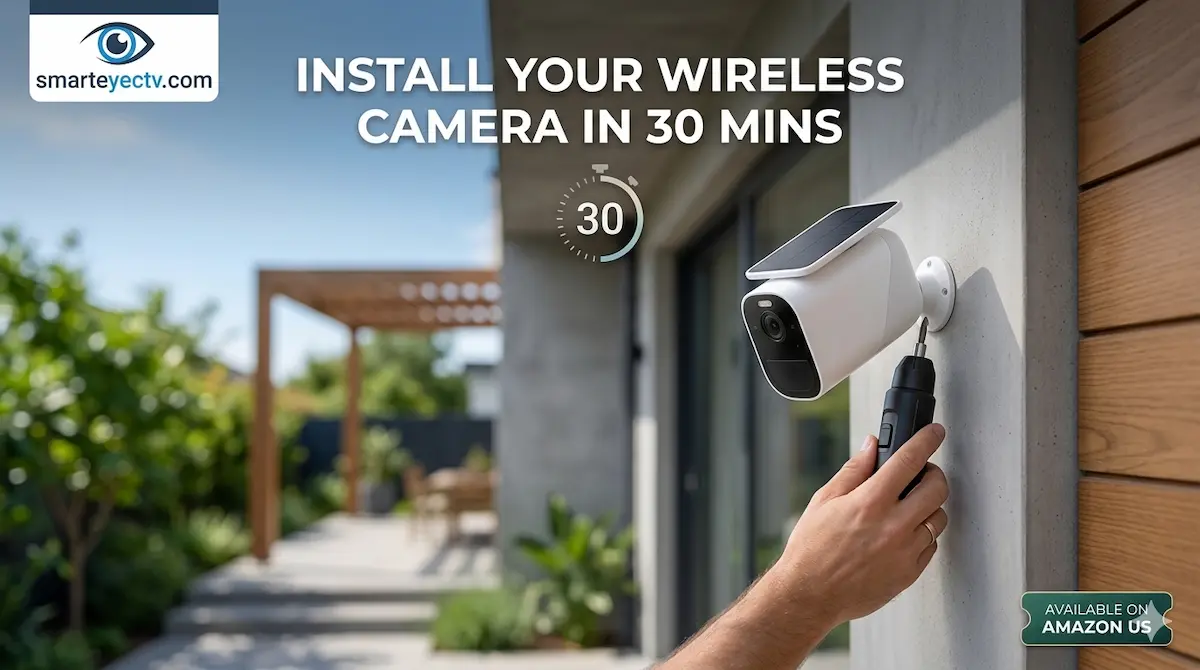
The biggest misconception about home security is that you need to be an electrician to set it up. In 2026, “Wireless” means more than just data; it means freedom from complex wiring.
Whether you just bought a Reolink, Eufy, or Arlo system, the installation logic is the same. This guide will walk you through a professional-grade installation that takes less than 30 minutes.
🛠 The “Quick-Start” Tool Kit
Before you climb that ladder, make sure you have these three items from Amazon:
- [Impact Driver or Power Drill]: Essential for exterior walls.
- [Step Ladder]: Make sure it’s rated for outdoor stability.
- [Outdoor Silicone Sealant]: To protect any screw holes from moisture.
Step 1: The “Kitchen Table” Sync (0-10 Minutes)
Never mount a camera before testing it.
- Plug your cameras into power and sync them to your Wi-Fi or Home Hub while sitting at your kitchen table.
- Update the firmware immediately. This ensures the AI detection features are running the latest, most accurate algorithms before you put them out of reach.
Step 2: The Signal “Walk-Test” (10-15 Minutes)
Before you drill, take your phone and the camera to the intended mounting spot.
- Open the app’s “Live View.”
- If the video is choppy or takes more than 5 seconds to load, you are too far from your router.
- Pro Tip: If the signal is weak, consider adding a [Wi-Fi Extender] or a Mesh node near that wall before committing to the spot.
Step 3: Mounting for Maximum Security (15-25 Minutes)
Placement is everything. A camera mounted too high only sees the top of a head; too low, and it can be stolen.
- Height: Aim for 8 to 10 feet. This is the “Goldilocks” zone—high enough to be out of reach, low enough for clear facial recognition.
- Angle: Tilt the camera down at a 15 to 30-degree angle.
Step 4: Configuring the “Motion Zones” (25-30 Minutes)
Once the camera is screwed in, go back to the app.
- Draw Activity Zones to exclude busy streets or swaying trees. This is the single most important step to save battery life and prevent annoying false notifications.
🛠 DIY Pro Tip: The “Anti-Theft” Hack
One of the most common fears is: “What if someone just unscrews my camera?”
- Expert Advice: Most wireless cameras use a standard 1/4″ tripod thread.
- The Hack: Buy a pack of [Security Torx Screws] to replace the standard Phillips screws that come in the box. A thief with a normal screwdriver won’t be able to remove your bracket, making your camera much harder to steal.
Why SmartEye Simplifies Installation
At AIS.gy, we spend all day with fiber optics and industrial racks, but we love DIY wireless systems for their simplicity. We’ve designed this guide to ensure that your home setup is as reliable as a commercial one, without the $100/hour labor costs.