
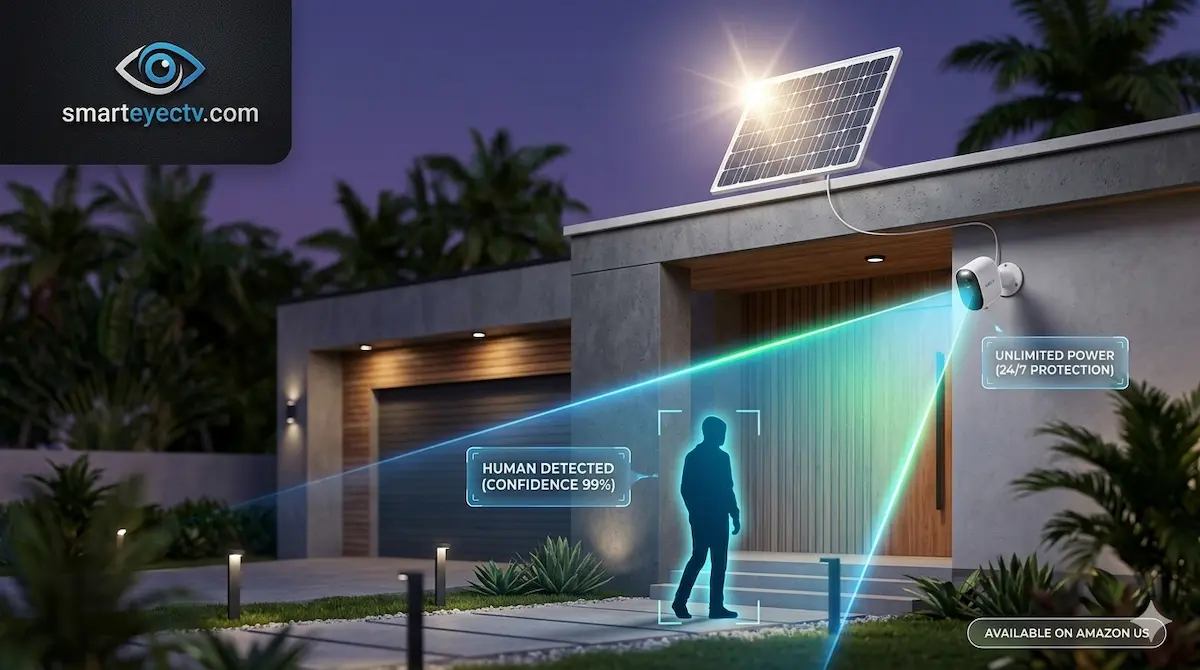
If you own a battery-powered security camera, you know the “recharge fatigue.” Every few months, you have to climb a ladder, take the camera down, wait 6 hours for it to charge, and then remount it.
Adding a solar panel is the ultimate DIY upgrade. In 2026, you don’t need a brand-specific panel to keep your camera running. With the right wattage and connector, you can make almost any wireless camera self-sustaining. Here is how to choose the right solar panel on Amazon for your specific setup.
Top Rated Universal Solar Panels
| Model | Compatibility | Wattage | Connector Type | Check Price |
| Wasserstein Premium Solar | Ring/Arlo/Google | 4W | USB-C / Barrel | [View on Amazon] |
| Reolink Solar Panel 2 | Reolink Cameras | 6W | USB-C | [View on Amazon] |
| Eufy Solar Panel (Official) | Eufy SoloCams | 2.6W | Micro-USB / USB-C | [View on Amazon] |
1. The Power Factor: 3W vs. 6W
Not all solar panels are created equal. The wattage determines how fast your camera recharges.
- 3W Panels: Best for “low traffic” areas (doorbell cameras or side paths).
- 6W+ Panels: Essential for “high traffic” areas (driveways) or cameras with built-in spotlights that consume more power at night.
- Expert Pick: The [Reolink 6W Solar Panel] is one of the most efficient on Amazon, even for non-Reolink cameras (if they use USB-C).
2. The Connector (USB-C vs. Micro-USB)
Before buying, check the charging port of your camera.
- 2024-2026 Models: Most modern cameras now use USB-C.
- Older Models: Use Micro-USB.
- The Solution: If you buy a universal panel like the [Wasserstein 3-in-1 Kit], it comes with adapters for both, making it “future-proof” for your next camera.
3. Weatherproofing and Mounting
A solar panel will be exposed to the elements 24/7. Look for a panel with an IP65 rating and a 360-degree adjustable mounting bracket. This allows you to tilt the panel perfectly toward the sun without moving the camera.
🛠 DIY Pro Tip: The “Winter” Charging Myth
“Why isn’t my solar panel charging in the winter?” * Expert Advice: Most lithium batteries inside security cameras cannot charge below 32°F (0°C) to prevent permanent damage. Even if the sun is out, the camera’s software will block the charge if it’s too cold.
- The Hack: If you live in a cold climate, buy a [Solar Panel with an Extra-Long Cable]. This allows you to place the panel in a spot that gets the most “heat” from the midday sun, helping the battery reach a safe charging temperature faster.
Why SmartEye Trusts Solar Infrastructure
At AIS.gy, we design large-scale solar arrays for telecommunications towers. We’ve brought that same logic to these Amazon picks: we look for Monocrystalline cells (which are more efficient than older polycrystalline ones) to ensure your camera stays at 100% even during a week of cloudy weather.