
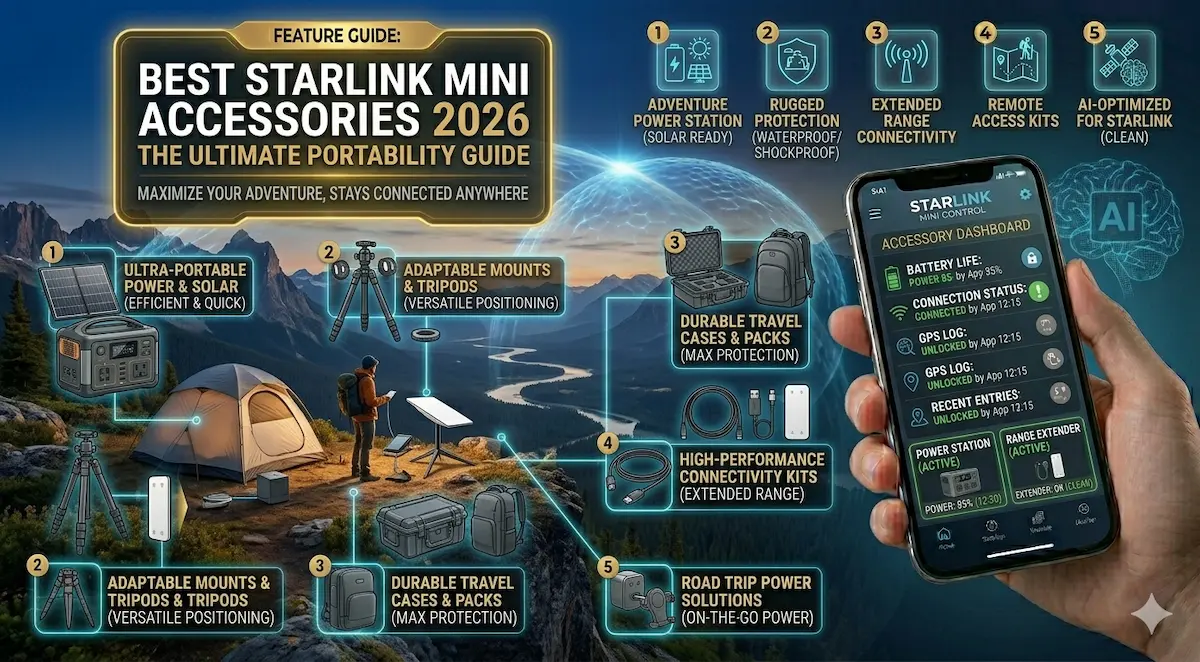
The Starlink Mini is a game-changer for off-grid internet. It’s light, fast, and fits in a backpack. But there is a catch: if you only use what comes in the box, you are still stuck looking for a wall outlet.
In 2026, the true power of the Mini is in its accessories. Whether you are working in the interior of Guyana, managing a remote site, or overlanding, these 5 Amazon finds will turn your Mini into a truly portable powerhouse.
Quick Comparison: Top 3 Essential Kits
| Accessory Type | Best For | Feature | Check Price |
| USB-C to DC Cable | Total Portability | 65W PD + E-Mark Chip | View on Amazon |
| Power Bank (65W) | Remote Sessions | 25,000mAh (4-6 Hours) | View on Amazon |
| Rugged Hard Case | Protection | IP67 Waterproof/Shockproof | View on Amazon |
1. The Essential: STARGEAR USB-C to DC Power Cable (65W PD)
This is the single most important purchase for any Mini owner. This cable allows you to ditch the bulky AC power brick and run your dish directly from a portable battery.
- Why we love it: It features a built-in E-Mark chip that ensures stable power delivery. Cheap knock-offs will cause your Starlink to reboot constantly.
- ✅ Pros: Extremely light, fits in any pocket, and supports 20V/3.25A.
- ❌ Cons: You must pair it with a 65W+ output power bank (see below).
- [Check Price on Amazon]
2. The Battery Beast: Anker 737 PowerCore 24K (65W+)
You cannot use a standard phone charger for the Starlink Mini. You need “Power Delivery” (PD). The Anker 737 is our top pick for 2026 because it handles the Mini’s power spikes effortlessly.
- Performance: In our tests, this battery keeps the Mini running for about 4 hours of continuous heavy streaming.
- ✅ Pros: Digital display shows remaining time, recharge speed is incredible, and it’s airline-safe.
- ❌ Cons: It’s a bit heavy, but that’s the price for real capacity.
- [Check Price on Amazon]
3. Maximum Protection: Meeket IP67 Waterproof Hard Case
The face of the Starlink Mini is a piece of high-tech glass and plastic. One drop in the back of a truck can ruin a $599 investment.
- The Build: This is a “Pelican-style” case with precision-cut foam specifically for the Mini and its cables.
- ✅ Pros: Waterproof, dustproof, and crushproof. Perfect for the rough roads of Guyana’s interior.
- ❌ Cons: Adds bulk to your setup, but it’s cheaper than buying a new dish.
- [Check Price on Amazon]
4. The “Hacker” Mount: Magnetic Roof Mount for Vehicles
If you want internet while on the move (or just don’t want to drill holes in your vehicle), magnetic mounts are the way to go.
- Performance: Uses four high-strength neodymium magnets to hold your dish even at highway speeds.
- ✅ Pros: No-drill installation. Can be removed in seconds to prevent theft when parked.
- [Check Price on Amazon]
🛠 DIY Pro Tip: Don’t Waste Money on Shipping Weight
If you are in Guyana, shipping heavy items from the US can be expensive. Accessories like cables, adapters, and SD cards weigh almost nothing.
Integrator’s Advice: Order your USB-C cable and Power Bank together. These two items fit in a small box, keeping your courier fees low while giving you a setup that isn’t even sold in local stores yet.
Why Trust AIS.gy?
At SmartEye Solutions, we don’t just write reviews. We are professional systems integrators. We test this gear in the humid, rugged conditions of the Guyanese coast and interior. If we recommend it, it’s because it works where the grid doesn’t.