
Quick Answer
Wireless cameras for side doors without drilling offer hassle-free installation and reliable monitoring. Look for models with strong battery life, clear night vision, and easy app integration. Avoid overcomplicating features unless needed for specific security requirements.
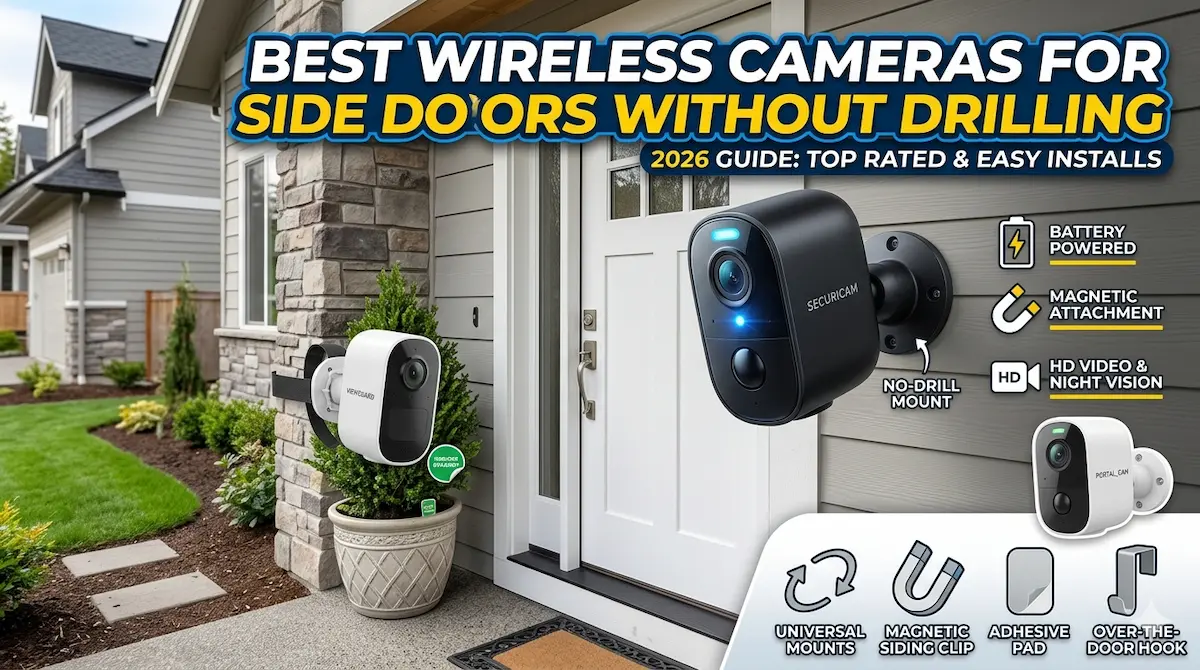
Installing a security camera on a side door doesn’t have to mean drilling holes or damaging your home’s structure. Wireless door cameras no drilling provide a practical solution for homeowners and renters alike. These cameras use adhesive mounts or magnetic bases to stay secure while offering real-time alerts and high-quality video.
Best For
- Homeowners avoiding structural damage
- Renters needing temporary security
- Users prioritizing quick setup
Not Ideal For
- High-security commercial properties
- Those requiring advanced AI features
Key Takeaways
- No drilling required for installation
- Battery life impacts long-term usability
- Wi-Fi connectivity is essential for remote access
- Night vision quality varies by model
Key Features to Prioritize When Buying
When selecting a wireless camera for your side door, prioritize battery life, video quality, and mounting flexibility. Look for models with long-lasting batteries that support easy recharging or replacement, as frequent maintenance can be inconvenient.
High-resolution video (at least 1080p) ensures clear footage, while wide-angle lenses improve coverage. Consider cameras with motion detection and night vision for 24/7 monitoring. Connectivity options like Wi-Fi 5 or 6 are also important for stable performance.
Common Mistakes and Tradeoffs to Avoid
Many users overlook the importance of Wi-Fi signal strength, assuming any camera will work. Weak signals can lead to laggy feeds or disconnections, especially if the camera is far from your router. Always check signal coverage before purchasing.
Some cameras sacrifice battery efficiency for advanced features like two-way audio or AI detection. Weigh these extras against your needs, as they may drain power faster. Also, avoid models with limited mounting options, as they might not fit your door’s unique shape or size.
Why Wireless Cameras Are Ideal for Side Doors
Wireless cameras eliminate the need for drilling, making them perfect for renters or homeowners who want to avoid damaging walls. They’re also easier to reposition if your security needs change over time.
Many models come with adhesive mounts or suction cups, allowing for quick installation. This flexibility is especially useful for side doors, which often have limited space for traditional wiring. However, ensure the camera’s weight is compatible with your chosen mounting method.
Installation Tips for a Seamless Setup
Start by testing your Wi-Fi signal near the door. Use a Wi-Fi analyzer app to identify the strongest spot for placement. Avoid areas with metal objects or thick walls that can block signals.
Charge the camera fully before installation to ensure it’s ready to use. Follow the manufacturer’s guidelines for mounting, and keep the camera at eye level for optimal coverage. Regularly check firmware updates to maintain performance and security.
Top Product Recommendations
Ring Stick Up Cam
Best for: Wide coverage and weather resistance
Why it stands out: Offers 1080p video, 140° field of view, and durable build for outdoor use. Works seamlessly with Alexa and other smart home systems.
Main limitation: Battery life lasts about 6 months with motion alerts, and requires a subscription for advanced features like person detection.
Arlo Essential
Best for: Long battery life and easy mounting
Why it stands out: Provides up to 6 months of battery life on a single charge and uses magnetic mounts for quick installation. Supports 2K video and color night vision.
Main limitation: Higher price point compared to basic models, and requires a hub for local storage options.
Wyze Cam V3
Best for: Affordable and feature-rich
Why it stands out: Delivers 1080p video, 140° lens, and 12-month battery life. Includes two-way audio and motion alerts without requiring a subscription.
Main limitation: Limited weather resistance compared to premium models, and lacks built-in spotlight or siren features.
Pros and Cons
Pros
- Easy, damage-free installation
- Flexible placement options
- Cost-effective compared to wired systems
Cons
- Limited range for older models
- Battery replacement is inevitable over time
When DIY May Not Be Enough
Consider upgrading if your current camera lacks 1080p resolution, has poor battery life, or doesn’t support two-way audio. Also, replace units if they’re more than 3-4 years old, as newer models often include improved motion detection and smarter alerts.
Helpful Internal Links
Helpful External Resources
Frequently Asked Questions
How can I ensure a stable Wi-Fi connection for my wireless camera?
Place the camera within 15–30 feet of your router, avoiding obstructions like walls or metal. Use a Wi-Fi extender if signal strength is weak. Check for interference from other devices and adjust the camera’s position accordingly.
Can wireless cameras work with existing smart home systems?
Yes, most models integrate with platforms like Alexa, Google Home, or Apple HomeKit. Ensure the camera supports the required protocols and check compatibility before purchasing.
What is the average battery life for wireless door cameras?
Battery life varies by model and usage. Expect 3–12 months on a single charge for basic models, with higher-end options lasting up to 18 months. Motion detection and video quality significantly impact battery consumption.
Final Recommendation
A practical wireless setup can solve many entry-level security needs, especially in apartments and rentals. If your property needs wider coverage, stronger reliability, or a more complete design, that is usually the point where a professionally planned system makes more sense.