
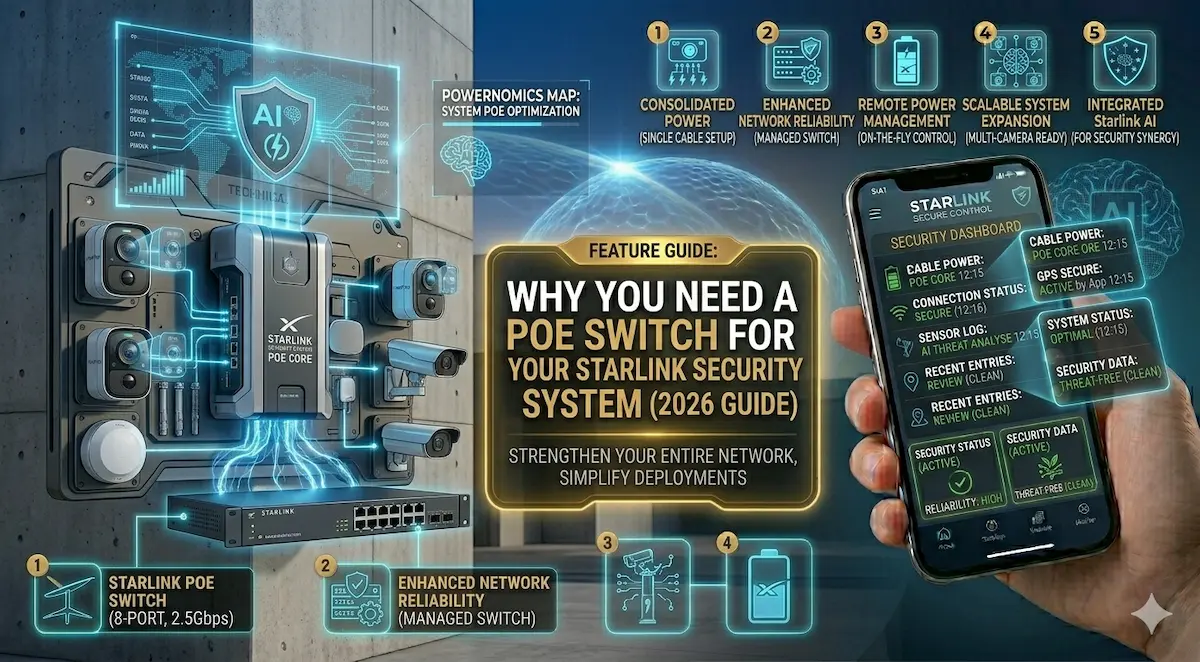
So, you just got Starlink Gen 3 and your internet is blazing fast. Now you want to plug in your security cameras, NVR, and maybe a VOIP phone. Then you look at the back of the router and realize: There aren’t enough ports.
Even with the Gen 3’s built-in Ethernet ports, managing a professional security mesh is impossible without the right hardware. To build a reliable, “clean” installation, you need a PoE (Power over Ethernet) Switch.
Comparison Table: Top 3 PoE Switches for Starlink Setups
| Model | Ports | Power Budget | Best For | Check Price |
| TP-Link TL-SG1008P | 8-Port (4 PoE) | 64W | Small Home / 4 Cameras | View on Amazon |
| Ubiquiti UniFi Lite 8 | 8-Port (All PoE+) | 52W | Smart Home Enthusiasts | View on Amazon |
| YuanLey 10-Port Gig | 10-Port (8 PoE) | 120W | Industrial / High-Res IP Cams | View on Amazon |
1. The “All-in-One” Solution: TP-Link 8-Port Gigabit PoE
This is our #1 recommendation for most homes. It’s “unmanaged,” which means you just plug it into your Starlink router and it starts working immediately.
- ✅ Pros: Solid metal casing (great for heat dissipation), silent operation, and very affordable.
- ❌ Cons: Only 4 of the 8 ports provide power. Fine for a small house, but tight for a business.
- [Check Price on Amazon]
2. The Industrial Workhorse: YuanLey 120W PoE Switch
If you are running high-end 4K cameras with night vision spotlights, you need more “juice.” This switch provides a massive power budget.
- ✅ Pros: 120W total power. It can handle 8 heavy-duty cameras without breaking a sweat. Includes “Extend Mode” for long cable runs (up to 250m).
- ❌ Cons: Not a big-name brand like Anker or TP-Link, but extremely reliable in industrial environments.
- [Check Price on Amazon]
3. Professional Grade: Ubiquiti UniFi Lite 8 PoE
For those who want to see exactly what is happening in their network through an app, Ubiquiti is the king.
- ✅ Pros: Beautiful design, wall-mountable, and gives you total control over each port via your phone.
- ❌ Cons: Requires a bit more setup time than the “Plug & Play” options.
- [Check Price on Amazon]
🛠 Why can’t I just use the Starlink Wi-Fi?
As integrators at AIS.gy, we get this question a lot. Here is why a wired PoE Switch is non-negotiable for security:
- Stability: Cameras streaming 4K video 24/7 will “choke” your Wi-Fi, making your Netflix and Zoom calls laggy.
- One Cable Rule: PoE sends both data and power over a single Ethernet cable. No need to hire an electrician to put outlets near your cameras.
- Centralized Backup: If you plug your PoE Switch into a small UPS, all your cameras stay online even if the main power goes out.
Integrator’s Pro Tip: When buying from Amazon, always choose Gigabit (10/100/1000) switches. Older “Fast Ethernet” switches are cheaper but will bottleneck your Starlink speeds.